Showing posts with label Design. Show all posts

Hello 2011 : Greeting With A New Face

So, I've changed the blog layout for the oncoming 2011. After hours of browsing the templates at BTemplates and Deluxe Templates, cover to cover, you could say (That's because you're too fussy). Nothing is good enough with no customization, or even less. Hence, this is a result of 3 templates mixed into 1, plus some customizations.

1. Fancy : I got the nice diagonal lines background here.

2. Artarius : It has a nice header using Franchise Bold font.

3. Superb : As the core of this template.

So, some customizations has also been made for the CSS and HTML. The problem is, I can't get the blog description right with the XML code that I have to insert it manually. Also, there're some problem regarding to some sidebar gadgets. Everything else looks just fine, so far.

Wait, who wants to read about blog templates?

Holiday's ending soon. Let's open up books.


There Is No Another

Sejak menjelangnya 1 Ramadhan tempoh hari, banyak je majlis iftar itu la, ini la kat CFS ni. Semua society sibuk nak buat majlis iftar. Nak mencari keberkatan Ramadhanlah kan. Bulan baik macam ni, sape yang sia-siakan memang rugilah. Maka, bertambahlah poster itu dan ini ditampal di merata-rata tempat sekeliling CFS. (Mind you, memang banyak poster kat sini. Tak cukup dengan notice board je. :D )


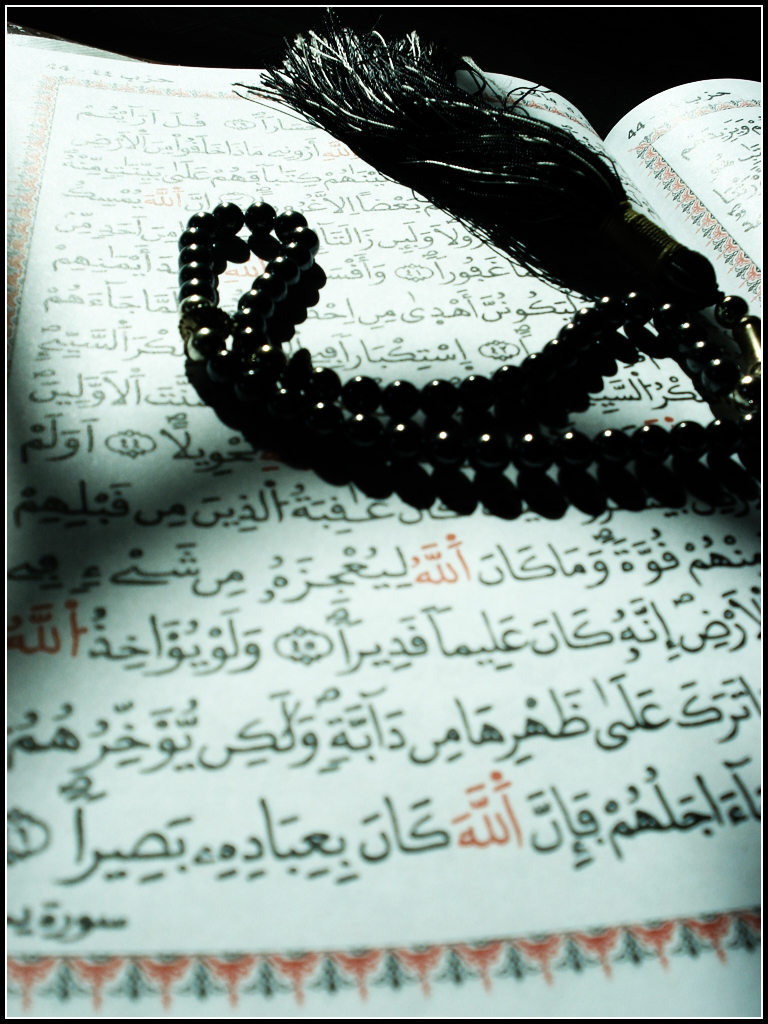
Aku pun semalam sempat la jugak menghadirkan diri di majlis iftar Creative Multimedia Club yang berlangsung di Al-Malek Faisal Hall. (Tapi aku tak join pun kelab ni. Haha) Sempena majlis iftar tu, saudara Hilal Asyraf dijemput untuk memberikan talk kepada para peserta yang lebih kurang 100 orang tu. (Tazkirah Maghrib la. Eheh) Tazkirahnya berkait dengan al-Quran. Yalah, esoknya (hari ni) kan 17 Ramadhan. Semua dah ready nak bercuti. Eh tak, bukan bercuti, sambut Hari Nuzul Quran. Hehe. Ada jugak satu booth dibuka untuk jualan buku-buku saudara Hilal Asyraf dan beberapa penulis lain.

Sebelum majlis iftar tu, aku ternampak la sorang sister ni sedang memegang erat sebuah buku berwarna oren-kekuningan (buku VT kot) dekat pintu masuk dewan. Ku dapat agak mesti dia nak minta autograf  Tapi apakan daya, dia tengok je booth tersebut yang penuh dikelilingi oleh brothers. Cam kesian pulak rasa, haha. Tapi selepas tu ada sorang brother beritahu sesi autograf akan ada nanti, maka tertangguhlah plannya.


Usai sesi iftar dan solat maghrib, talk sempena menjelangnya Nuzul Quran pun bermula serta merta. Tapi kata saudara Hilal Asyraf, di Jordan takde pun sambutan Nuzul Quran. Sebabnya dalam al-Quran, tak dinyatakan pun bahwa al-Quran diturunkan pada 17 Ramadhan, bahkan ia sebenarnya diturunkan pada malam Lailatul Qadar. Betul jugak. Eheh. Di awal talk tersebut, dua hadiah disampaikan oleh saudara Hilal Asyraf. Satu untuk sisters, satu untuk brothers.

Untuk sisters :
Dan janganlah kamu berkahwin dengan perempuan-perempuan kafir musyrik sebelum mereka beriman (memeluk agama Islam); dan sesungguhnya seorang hamba perempuan yang beriman itu lebih baik daripada perempuan kafir musyrik sekalipun keadaannya menarik hati kamu. (Al-Baqarah: 221)
Dan untuk brothers :
Dan janganlah kamu (kahwinkan perempuan-perempuan Islam) dengan lelaki-lelaki kafir musyrik sebelum mereka beriman (memeluk agama Islam) dan sesungguhnya seorang hamba lelaki yang beriman lebih baik daripada seorang lelaki musyrik, sekalipun keadaannya menarik hati kamu. (Yang demikian ialah kerana orang-orang kafir itu mengajak ke neraka sedang Allah mengajak ke Syurga dan memberi keampunan dengan izin-Nya. Dan Allah menjelaskan ayat-ayat-Nya (keterangan-keterangan hukum-Nya) kepada umat manusia, supaya mereka dapat mengambil pelajaran (daripadanya). (Al-Baqarah: 221)
Update 3.0 : Huraian lebih lanjut mengenai hadiah tersebut oleh saudara Hilal Asyraf di sini.

Talk pada malam tu agak bestlah. Berisi. Jadi, jangan jadikan al-Quran hiasan atau simpanan semata-mata kerna ianya satu perlembagaan hidup untuk diikuti. :D

Habis je talk dan solat isyak + terawih yang diimami oleh saudara Hilal Asyraf, ada pulak sesi penyampaian hadiah untuk pemenang-pemenang pertandingan poster dan short movie yang bertema "Bercinta di Musim Bunga". (Aku difahamkan tema tersebut mengibaratkan Ramadhan ni sebagai musim bunga yang penuh indah dan warna-warni. Bercinta di musim bunga, mestilah romantis kan? Eheh )

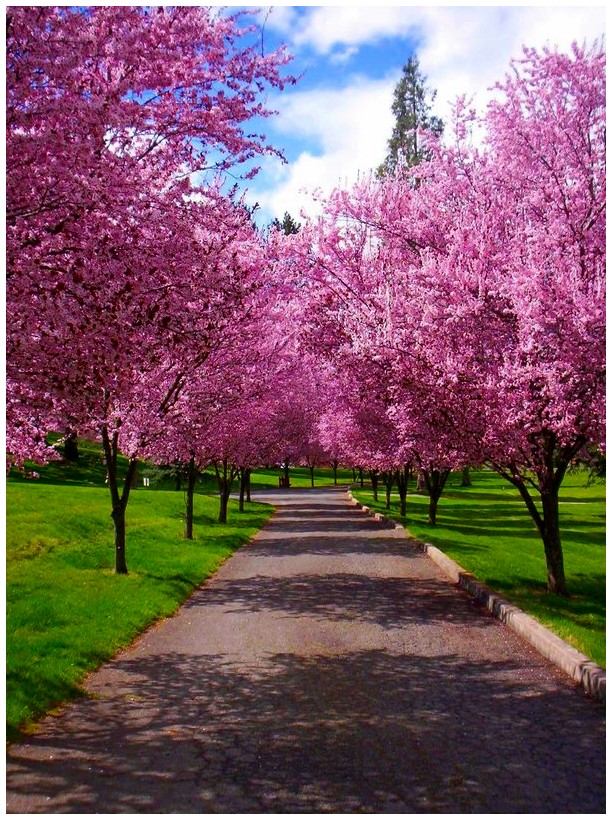
Path of Spring by SLJones at DeviantArt
Bagi pertandingan short movie tu, ada submission yang terang-terang diedit oleh satu video lain bertajuk Counter Strike CFS IIUM. Korang boleh tengok video tersebut kat sini. Tapi entah kenapa, aku takleh pulak nak view melalui YouTube dan YouTube pulak dengan penuh selamba bagi mesej ni :
This video contains content from Sony Music Entertainment, who has blocked it in your country on copyright grounds.
Jadi, terpaksalah aku view kat sini. (Jangan tanya aku apa sume maksud buttons dan links kat laman web tu sebab aku sendiri tak faham. Tanyalah Encik Google Translate) Apa-apapun, harapnya takde pencabulan hakcipta modal insan yang berlaku disebabkan video tersebut. Husnuzonn ye sekalian manusia. Hehe.

Dah nak habis pos ni baru lak aku teringat bahawa Creative Multimedia Club ni baru je 2 tahun berjalan setelah digabungkan dua kelab (Creative Club dan Computer Club) menjadi satu. Aku tak pasti pulak sekiranya skop creativity tu jadi semakin terbatas lebih kepada yang berkaitan dengan komputer sebabnya kreativiti ni begitu luas dan mungkin tiada akhirnya. Aku pun orang seni jugak, ada la tahu serba sedikit. Cewah. Haha. Apa-apapun, it was a good night
Give me some sunshine, give me some rain
Give me another chance, I wanna grow up once again
Familiar? Yeah, I've just watched it last night. And mind you, there is no another chance. Face it.

Last Chance by Mandrunited at DeviantArt

p.s : Laju la pulak internet bila sume orang balik cuti ni. Tapi takde la super laju. Lajunya biasa-biasa aja.
p.s.s : Poster Ramadhan kat pos terdahulu dapat 1st place. Okay la jugak, even aku reg masuk pun pada 3 hari terakhir sedangkan orang lain 2 minggu lebih awal. And, aku orang keenam time tu. Sikitnyee.

Ganjilnya

Dah ganjil 11 hari nampaknya Ramadhan kali ni. Haha. Setiap hari, menu bersahur dan berbuka lebih kurang je. Tambah-tambah kalau yang beli kat kafe. Menu depa pun macam hari biasa-biasa jugak. Kekadang, keluar bazar pun, cam takde pe la sangat nak beli. 2, 3 kali da pergi pun, beli benda sama je. Tengok yang tu mahal. Yang ni mahal. Ye la, mana tak mahalnya kalau compare dengan Kelantan. Dush.

Satu hari bersembang ngan Hakim dalam kelas, habis sume benda nak disebut. Sate, murtabak, gulai kawah, ayam percik, durian and entah pe la lagi. Ustaz pun join sekali habis.


Oh ya, Salam Ramadhan.

Selamat Datang Syawal 1430H


Akhirnya, Ramadan kali ini telah pun berlalu pergi. Harapnya ianya tidaklah sia-sia. Haih.

Jadi, seperti biasa, di kesempatan ini, ingin saya ucapkan Selamat Hari Raya AidilFitri kepada semua yang membaca post ini, khususnya buat keluarga dan kaum kerabat, kawan², rakan², teman², sahabat², jiran² serta semua umat Islam masa kini. Maaf zahir dan batin andai ada salah dan silap. Janganlah dipendam lama-lama, nanti jadi masam kalau tak diawet.

Buat ibu dan ayah di Kelantan, anakanda pohon maaf dari hujung rambut sampai ke hujung kaki atas dosa dan salah sejak anakanda dilahirkan dan dibesarkan selama ini.Maaflah, tak dapat anakanda pulang beraya bersama kalian tahun ni. Pilu sekali hati ini mengenangkan suasana raya di kampung. Sayu. Beraya di perantauan tak akan pernah sama dengan di rumah. Sungguh.

Saya berharap agar kita semua diberikan peluang untuk menikmati Ramadan yang akan datang dengan sebaiknya. InsyaALLAH.

Salam Eid Mubarak.

Farhan Mohamed
Lokasi terakhir : Bukan di tanah air tumpahnya darahku

p.s : pelik semacam je post kali ni haha
p.s.s : argh. aku tak dapat lari dari style lama

Happy Birthday Malaysia!

Today is 31st August 2009. (heck yes,what a statement haha) By the way, I don't think that it's quite late to wish Happy 52nd Independence Day Malaysia though the clock just struck 11pm some moment ago, right? Aku pun dah design entah apa sempena hari bersejarah ini hehe. Well, it was actually a contenst entry of mine at Sifoo.com. Apart from that, Google doesn't even miss to wish Malaysians.
Geez, esok da sekolah balik buat sekali lagi. Students kementerian pula baru nak start trial spm. Nasib baiklah aku da habis haha. Uh oh...

It's Getting Nearer...


Full view on MyDeviantArt?

The school is about getting reopened in a few days. But no enough preparations so far. Silly me.

Video Review : Magic Flashlight

Do you like snowboard? I do! Since last 3 years, I've been snowboarding seriously. Very serioulsy. It's not easy to impress the viewers especially when we're doing the same stunts or something. Tricky, it is. Then, Mike Benson was born. He comes up with one of the greatest snowboard movies that I've ever watched. It's entitled "Magic Flashlight". What's the relation with either snow or board? You'll see.

Okay, the first two sentences above was such a lie. This Mike Benson impresses the viewers not by hovering for minutes, or rotating in the air relentlessly. He only adds some motion work in his video and that's done it. After Effects is used to achive the great result. The technique he uses is a modified version af Andrew Kramer's After Effects Light Streak Tutorial which needs Particular Plugin. Nice. Even I haven't yet managed to have a good command of it. Messing with settings and also scripting. D'oh. Enjoy.

Knife Show Inc and friends uncover a strange phenomenon at Timberline Lodge at Mt Hood. Snowboarding video takes place in and out of High Cascade Summer Camp. Shot and edited by Mike Benson. Starring Brendan Hayes, Eli weiner, Scott Stevens, Chris Beresford, Matty Mo, Jesse Burtner, and Casey Wrightsman.


Magic Flashlights from Mike Benson on Vimeo.


p.s:After watching this, my lil bro asked, "Do these things really exist?" LOL
p.s.s:I've actually stumbled this upon here


Tutorial : Photoshop Typography Masking


السلام عليكم Finally, I'm here again, typing new things heh. The only different thing this time is that this is not a mere post like before ones. I'll be writing a photoshop tutorial. It's just a remake though. Nothing to be proud of. Nevertheless, it's my very first one to be published. Actually, this is the consequence when one of those peaceful days of my life have been destroyed by Leo haha.

He buzzed me on YM, urging me to show him the true path of doing one of the tutorials on Abduzzedo XD. Maybe it wasn't clear enough for him. Nevermind. It was an Abduzeedo's reader's tutorial. Some kind of typography. Credits to them. By the moment I write this, I haven't yet asked for their permission. Should I? Heh. Without much ado, let's begin. Leo, I hope this is clear enough for you.

Step 1

Create a new canvas with a black BG colour. In a much simpler language, create a new project. (CTRL + N). In the original tutorial, he says the size of 1200 x 800 pixels. Well, that's a wallpaper resolution, I suppose. Nevertheless, I won't be doing this with that or I will ended up having my system working a bit slower. (Yeah, dummy oldy buddy) Hence, I choose 600 x 500 pixels.

Then, you should have a shape for your design in your canvas. I'll just use a simple one, AF, due to the laziness of creating a complex one XD. It's up to you though. Be creative.

Step 2

Now, hide that by clicking on the EYE thing which is the next to your layer in the layer pallete. Then, create a text box and start typing your text in it, filling all empty spaces. In this case, I just typed my name hehe. For the text setting, I use Segoe UI Bold 9pt #
404040.

That's not enough yet. You now need to resize the text box using text tool until it's bigger than your canvas size.

Step 3

Allright. The next thing to do is rotate the text box. About 45 degree will do just fine. However, this step is optional. If you don't feel like having the text slanting, don't do this then.

Step 4

Next, unhide your smart object (the shape that mentioned on the 1st step). Then, make a selection by pressing CTRL and click on the thumbnail of your smart object. It's in you layer pallete. Marching ants (or something) of the selection will then appear around the edges your object.

Step 5

To see your object's selection clearer, hide the object layer again. Then, remember to rasterize your text layer.

Step 6

Select your marquee selection tool . Make sure your text layer is selected. Right click and then select layer via cut. You'll now have a new layer, with your text cut via the shape you just selected.

Step 7

You now can apply some layer style for the new layer. Colour overlay or something. Or you might want to refer to the original tutorial.

Okay, that's it. For the complete tutorial, why don't you view it here? I'll just stop here hehe. I added some elements for the final result. And it turns out like this.

p.s : I don't think that this is quite helpful -.-"
p.s.s : I've downloaded Dark Knight's OST. Suspense music, all of them! Bose
p.s.s.s : I made up the title of this post


Related Posts Plugin for WordPress, Blogger...